Envision Access1.9.1
Publisher Description
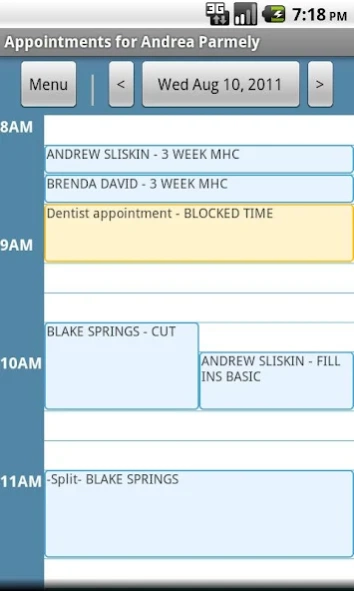
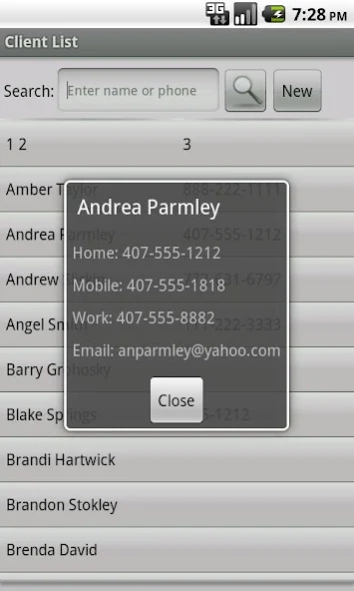
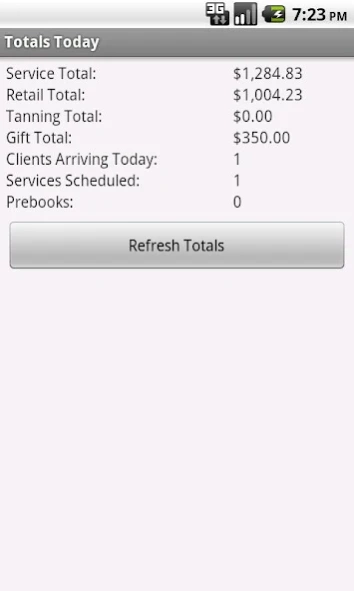
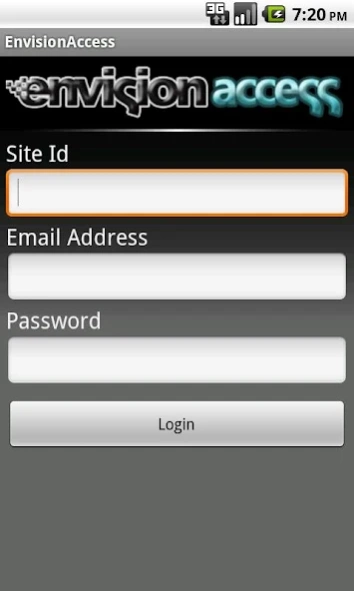
Envision Access Mobile Client
Take control of your business even when you are away, with the EnvisionAccess App. This app is a perfect partner to your EnvisionAccess subscription and allows you to easily:
• View, edit or book appointments right from your phone
• Add or remove blocked times
• View current client list and add new clients
• Run reports of daily totals
• View inventory and service lists
• Check work schedule
• View employee contact information
All appointments and adjustments made in the app are sent in real-time to your Envision Software. Connect to the app over any speed internet connection including Wi-Fi, 3G, 4G, and Edge.
The security options in the EnvisionAccess App are the same as those set up for EnvisionAccess. Easily adjust your employees' security settings from within the Envision management software.
PLEASE NOTE: To use this application, you must have Envision Software Version 6 or higher and have a subscription to EnvisionAccess.
For more information on EnvisionAccess, please visit www.envisionaccess.com or contact one of our business consultants at 800-231-9445.
About Envision Access
The company that develops Envision Access is Envision Software. The latest version released by its developer is 1.9.1.
To install Envision Access on your Android device, just click the green Continue To App button above to start the installation process. The app is listed on our website since 2019-07-10 and was downloaded 7 times. We have already checked if the download link is safe, however for your own protection we recommend that you scan the downloaded app with your antivirus. Your antivirus may detect the Envision Access as malware as malware if the download link to Envision.Access is broken.
How to install Envision Access on your Android device:
- Click on the Continue To App button on our website. This will redirect you to Google Play.
- Once the Envision Access is shown in the Google Play listing of your Android device, you can start its download and installation. Tap on the Install button located below the search bar and to the right of the app icon.
- A pop-up window with the permissions required by Envision Access will be shown. Click on Accept to continue the process.
- Envision Access will be downloaded onto your device, displaying a progress. Once the download completes, the installation will start and you'll get a notification after the installation is finished.
Program Details
System requirements
Download information
Pricing
Version History
version 1.9.1
posted on 2019-07-10
Minor Update
version
posted on 2016-04-07
Added enhanced performance based reporting options for clients with Ultimate Edition
